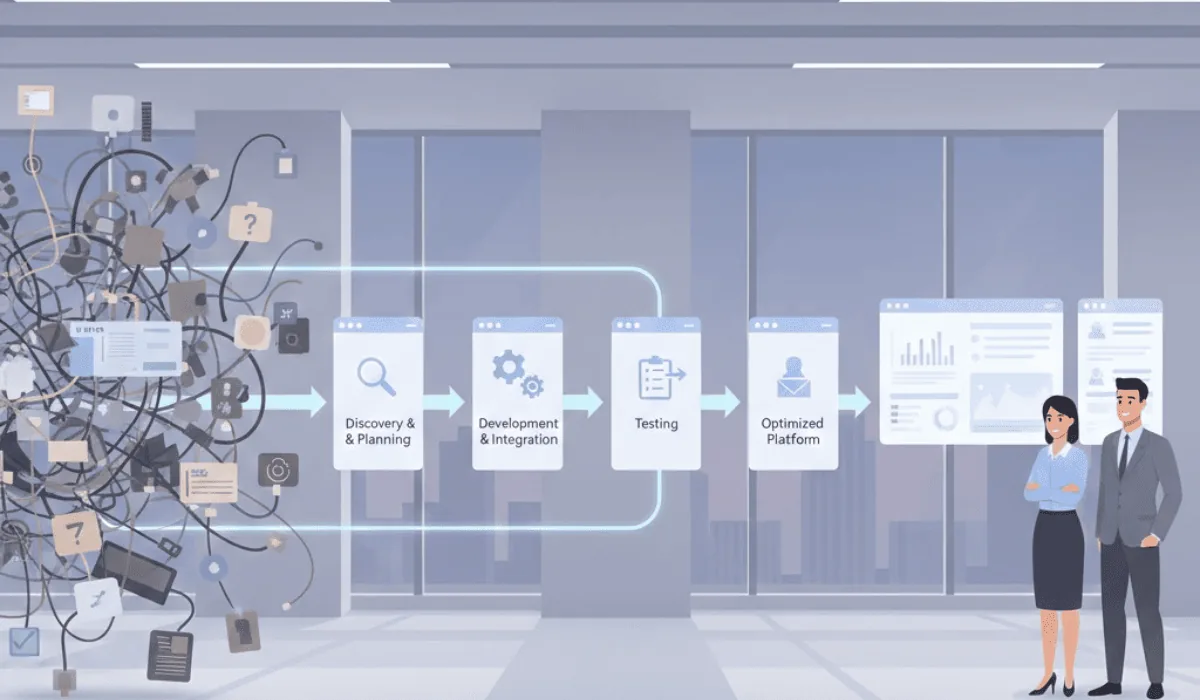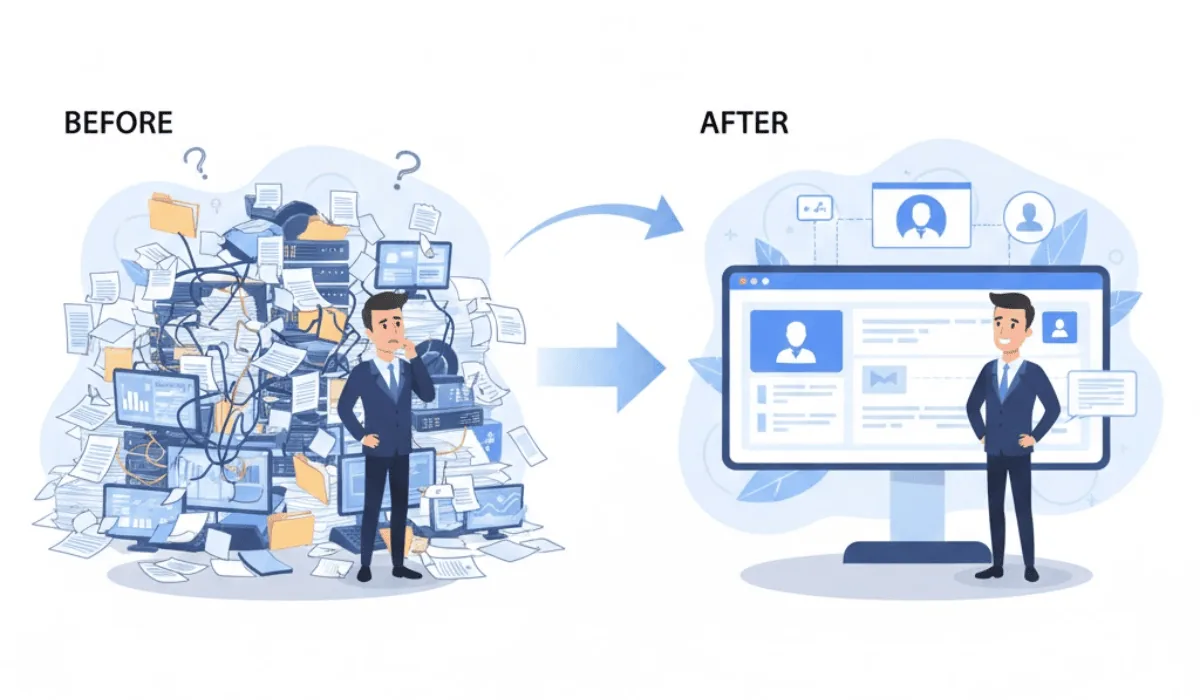

Automation sounds like a solved problem. Turn on a few workflow rules, connect a couple of apps, done.
In practice, most businesses that try to automate Zoho One themselves end up with a handful of disconnected rules that occasionally fire, occasionally don't, and nobody fully trusts. That's worse than no automation at all, because now there's a system everyone half-relies on and half-double-checks.
This is what Zoho One automation services actually fix, not by adding more rules, but by figuring out which ones matter and building those properly. Here's what that looks like, what it costs, and where most self-built automation goes wrong.
Why "Just Turn On Automation" Doesn't Work
Zoho One includes Zoho Flow and workflow rules across CRM, Books, Desk, and other apps, all genuinely capable of automating real work. The instructions for setting up a single rule are simple enough that almost anyone can do it.
The problem isn't building one rule. It's that a business runs on dozens of small decisions and handoffs, and automating a handful of them in isolation doesn't fix how the work actually flows. A rule that sends a follow-up reminder doesn't help if nobody agreed on what "follow up" should look like in the first place. An automation that creates a task in Projects doesn't help if Projects isn't where anyone on the team actually looks.
Where Automation Actually Saves Time
These are the areas where automation consistently produces measurable time savings, not because they're flashy, but because they're high-frequency and currently manual almost everywhere.
Lead-to-CRM handoff. A lead comes in through a form, an ad, or a referral. Without automation, someone checks an inbox, copies the details, and creates a CRM record, sometimes the same day, sometimes not. With automation, the record creates itself the moment the lead arrives, and a follow-up task is assigned automatically.
Deal-to-invoice handoff. A deal closes in CRM. Without automation, someone opens Books, re-enters the client details and line items, and creates an invoice separately. With automation, the invoice generates from the same record that already exists.
Support ticket routing. A customer email or form submission becomes a ticket. Without automation, someone manually assigns it based on whatever they happen to know about who's available. With automation, tickets route based on type, priority, or customer history, and escalate automatically if nothing happens within a set window.
Recurring reports. Someone, usually the same person, spends part of every week or month pulling numbers from different apps into a spreadsheet for leadership. With automation, that report exists as a live dashboard that updates on its own.
Approval chains. Expense approvals, time-off requests, purchase orders: anything that currently means someone emailing someone else and waiting. With automation, requests route to the right approver automatically, with reminders if they sit too long.
Each of these individually might save a few hours a week. Together, across a small team, they add up to the kind of time that actually shows up in how the business runs, not just on paper.
What Changes With Zoho's 2026 Update
Zoho's 2026 update reorganized Zoho One around what it calls Spaces, contextual work areas that pull together data, automations, and Zia AI agents from across the connected apps, instead of treating each app as its own silo.
Why This Makes Automation Choices More Important, Not Less
The practical effect is that automation built well now compounds. A Zia agent working inside a Space can act on data from CRM, Books, and Desk together, flagging an at-risk account, suggesting a next action, or surfacing a pattern across departments, but only if the underlying automations and data connections that feed that Space are actually built correctly.
This is the same principle as before: automation built on a process nobody agreed on just automates the inconsistency, but the 2026 update raises what's possible once it's done right. A handful of well-built automations don't just save time individually anymore; they become the foundation an AI agent can act on. A handful of poorly-built ones become noise the AI agent has to work around.
Where Self-Built Automation Usually Goes Wrong
Rules get built one at a time, with no order. Someone notices a specific annoyance, builds a rule to fix that one thing, then moves on. Six months later there are a dozen rules, none of which were designed with each other in mind, and some of which conflict.
The trigger doesn't match how work actually happens. A rule built to fire "when a deal is marked Closed Won" doesn't help if half the team forgets to update the stage and just moves on. The automation is technically correct and practically useless.
Nobody owns it after it's built. A rule gets set up, works for a while, and then something changes, a new product line, a new team member, a renamed field, and the automation quietly breaks or starts doing the wrong thing. Without anyone checking, it can run incorrectly for months.
Automation gets used to avoid a harder conversation. Sometimes the actual fix is "the team needs to agree on a follow-up standard" or "this approval step shouldn't exist at all." Automation gets built around the existing mess instead, which just makes the mess run faster.
What Zoho One Automation Services Typically Include
A properly scoped engagement generally covers:
- Identifying the highest-impact automation targets: based on where time is actually being lost, not where it's easiest to build something
- Mapping the process before building the rule: so the automation reflects how work should happen, not just how it currently happens
- Building automations that work together: rather than a collection of independent rules that occasionally conflict
- Setting up monitoring: so if an automation stops working correctly, someone finds out before it causes a problem
- Documentation: so the team understands what's automated and why, instead of treating it as a black box
This is the process we use on our services page, starting with where the friction actually is before building anything. If the friction starts upstream, leads coming in through a website that was never built to route them anywhere, our website and AI chatbot development services solve that half of the problem before the automation layer even comes into play.
What This Costs
Cost depends on how many processes are being automated, how many apps the automations need to connect across, and how much process clarification needs to happen first, agreeing on standards before automating them.
A handful of well-targeted automations, lead routing and invoice generation for example, is a smaller, faster engagement than automating workflows across sales, finance, support, and HR simultaneously.
As with broader Zoho One setup, starting with the highest-impact area and expanding from there tends to cost less upfront and shows results faster than trying to automate everything at once.
Where Automation Priorities Differ by Business
A real estate brokerage typically gets the most value from lead routing and follow-up automation, since response speed directly affects whether a lead converts. Our real estate page covers what this looks like for brokerages specifically.
A service-based business often benefits most from the job-to-invoice handoff and automated scheduling reminders.
A professional services firm tends to see the biggest impact from time-tracking-to-billing automation and project status updates that don't require manual check-ins.
Frequently Asked Questions
What should be automated first?
Whatever is currently consuming the most repeated manual time. Lead handoffs, invoicing, recurring reports, and approval chains are the most common starting points because they happen constantly and the manual version is well understood.
Why does my current automation feel unreliable?
Usually because rules were built individually over time, without a shared process behind them, or because something changed, a field, a team member, a workflow, and the automation wasn't updated to match.
How does Zoho's 2026 update affect automation?
The 2026 update introduced Spaces and Zia agents that act across connected apps. Well-built automations become the foundation those agents can use effectively. Poorly-built ones become something the AI has to work around, which limits what it can do.
How much do Zoho One automation services cost?
It depends on how many processes are being automated and how many apps they connect across. Starting with one or two high-impact areas costs less upfront and shows results faster than automating everything at once.
Can I build automations myself and bring in help later?
Yes, though automations built without a process map sometimes need to be rebuilt rather than adjusted, since the underlying logic doesn't match how the team actually works. Starting with a process review before building, even self-built automation, tends to avoid this.
Is automation a one-time setup?
No. As processes change, team members change, or new products and services get added, automations need to be reviewed and updated. Automation that isn't maintained tends to degrade quietly until something breaks.
Want to know what's worth automating in your business?
We start by mapping where time is actually being lost, then build automation around that, not a list of rules to turn on.
Book a Free Call