Is Zoho One actually running your business, or is it just one more login your team has?
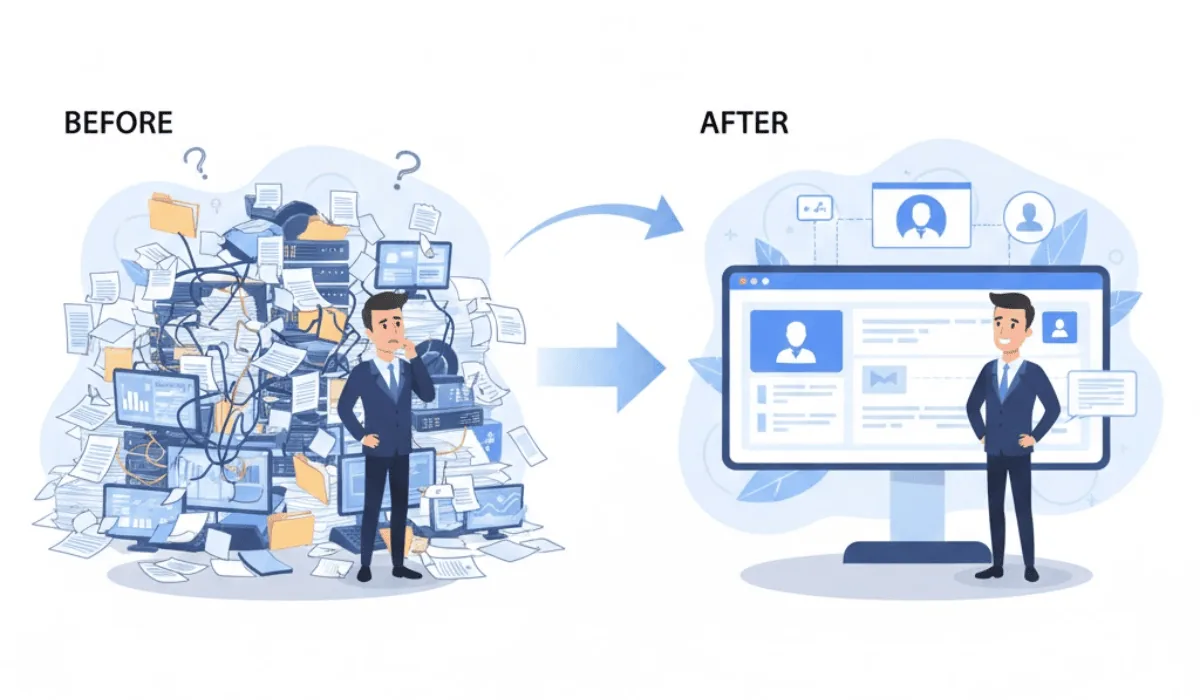
For a lot of businesses, it's the second one. The apps are turned on. Nothing is connected. And the same manual work that existed before is still happening, just inside a more expensive platform.
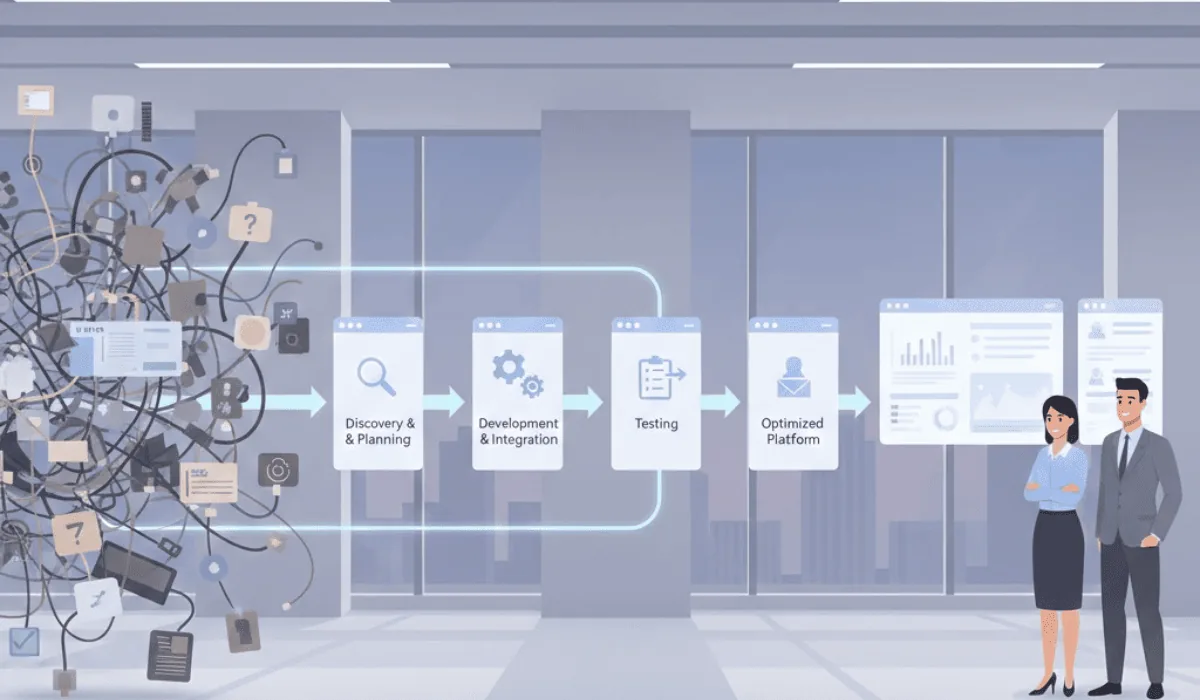
That gap, between activated and actually working, is what Zoho One consulting services exist to close. Here's what proper configuration changes, what it costs, and why Zoho's 2026 update raises the stakes on getting this right.
The Gap Between "Activated" and "Working"
Most businesses run CRM, accounting, support, and HR as separate tools that don't talk to each other. Zoho One runs them on one shared data model instead, but only once someone has actually connected them.
Properly configured, this looks like:
- A sale closed in CRM becomes an invoice in Books automatically, with no re-entry
- A support ticket shows the customer's full purchase and communication history
- An employee's HR record connects directly to project assignments and time tracking
- Reporting pulls live data from every connected app, instead of someone assembling a spreadsheet
None of these individual tasks get dramatically faster. What changes is the handoff between them, the points where information used to get re-typed, delayed, or lost between departments. Most businesses that "have" Zoho One are still living with those handoffs, because activating an app and connecting it are two different jobs.
Why Zoho's 2026 Update Raises the Stakes on This
Zoho's most recent platform update introduced Ask Zia, a unified AI assistant that works across every connected application rather than within a single one.
Before this, getting a cross-departmental answer meant pulling data from multiple apps manually, sales figures from CRM, expenses from Books, ticket volume from Desk, then combining them by hand. A question like "which clients had support issues last month but no follow-up sales activity" required exporting from two systems and cross-referencing them yourself.
With Ask Zia, that same question can be asked directly, and answered using live data across connected apps, but only if those apps are actually connected.
The Same Old Problem, With Higher Cost of Skipping It
This is the part that changes the calculation for 2026. Before, an unconfigured Zoho One was just an expensive set of disconnected apps, no worse than what you had before. Now, it's also a system where the AI features everyone's paying for can't produce reliable answers, because the data underneath is still scattered.
Ask Zia is only as useful as the data underneath it. Activation is a few clicks. Configuration, the field mappings, automation rules, and data-sharing setup, is what Zoho One consulting services are built to handle, and it's now doing double duty: fixing the handoff problem and making the AI layer usable.
Four Places This Shows Up Every Time
Regardless of industry, the gap between activated and configured tends to show up in the same four places.
Lead follow-up. A lead submitted through a website form sits in an inbox until someone notices it and manually adds it to CRM, sometimes days later. Once connected, the form submission creates the CRM record and assigns a follow-up task automatically. If the website itself was never built to route leads this way, our website and AI chatbot development services cover that half of the problem too.
Invoicing. Closing a deal in CRM means someone separately creates an invoice in the accounting system, retyping client details and line items. Once connected, the invoice generates from the same record.
Reporting. Monthly reporting means pulling numbers from several systems into a spreadsheet by hand, often a day or two of someone's time. Once connected, a live dashboard shows the same numbers continuously.
Support. A support rep has no visibility into a customer's purchase history or account status when a ticket comes in, so they ask or escalate. Once connected, that history is visible directly inside the ticket.
Three Reasons Self-Configuration Usually Stalls Out
A meaningful number of businesses purchase Zoho One, turn on a handful of apps themselves, and stop there. Not because they didn't try, but because of three things that are hard to do without dedicated time.
Connecting apps is separate work from activating them. Field mappings, automation rules, and shared data setup don't happen by default. This is the core of what Zoho One consulting services actually deliver.
A full rollout creates more confusion than it solves. Switching a team from two tools to 45 apps at once is overwhelming. A phased approach, starting with the highest-friction area, gets adopted. An all-at-once rollout often gets partially ignored.
Old data carries its problems into the new system. Duplicate records and inconsistent naming don't get fixed by moving platforms, they just become visible across more departments. Cleanup before migration is part of a proper setup, and it's the step most commonly skipped when done in-house.
What Gets Prioritized Differs by Business
The platform is the same across industries. What gets configured first isn't.
A real estate brokerage typically prioritizes lead routing and follow-up speed: every lead source feeding one pipeline, automated follow-up, visibility into agent response times. Our real estate page covers what this looks like specifically for brokerages.
A service-based business usually prioritizes the handoff between a completed job and an invoice, plus support history tied to the customer record.
A professional services firm typically prioritizes project tracking connected to time billing and client communication, so project status and financials stay in sync.
What This Costs
Cost depends on three things: how many apps need configuring, how much existing data needs cleanup, and how complex the automation between apps needs to be.
A business needing CRM and Books connected, with a few hundred existing contacts to clean up, is a different scope than one connecting five apps across multiple departments with custom automation throughout.
A phased rollout generally costs less upfront and produces results faster, since each phase, getting CRM and Books talking first, then connecting support, then building reporting, can be evaluated before committing budget to the next.
What Separates a Good Setup From an Average One
The technical side, turning on apps and building automations, isn't usually the hard part. The difference comes down to whether someone maps how the business actually operates first, cleans up existing data before migration, and configures the connections between apps deliberately rather than leaving them as defaults.
This is the process we walk through on our services page, starting with where the friction currently is in your operations, not with a list of apps to switch on.
Common Questions About Zoho One Consulting Services
What's actually included?
Process mapping, app configuration and data connections between CRM, Books, Desk, and other apps, data cleanup and migration from existing systems, role-specific training, and support after launch.
What determines the cost?
How many apps need configuring, how much existing data needs cleanup, and how complex the automation needs to be. A phased rollout starting with one or two high-impact apps is generally more cost-effective than configuring everything at once.
Why does Ask Zia change the calculation?
Ask Zia, the unified AI assistant from Zoho's 2026 update, can only answer questions as well as the data underneath it is connected. An unconfigured system now means both the old handoff problems and an AI layer that can't produce reliable answers.
Is this worth it if I can configure some of it myself?
Basic single-app use can work without help. Where setups consistently stall is connecting apps so data flows automatically, cleaning up records before migration, and training different teams on what's relevant to them, the parts that take dedicated time most in-house teams don't have.
Phased or all at once?
Phased. Starting with the highest-friction area shows visible change within weeks for that workflow and gets adopted. Switching everything on at once tends to overwhelm teams and leads to partial adoption.
Does this end at go-live?
The initial configuration is a defined project, but as a business adds services or changes how it operates, the system needs to evolve with it. Ongoing support after launch is standard for exactly this reason.
Ready to close the gap between activated and working?
We start by mapping where the friction is in your operations, then build a phased plan around that.
Book a Free Call