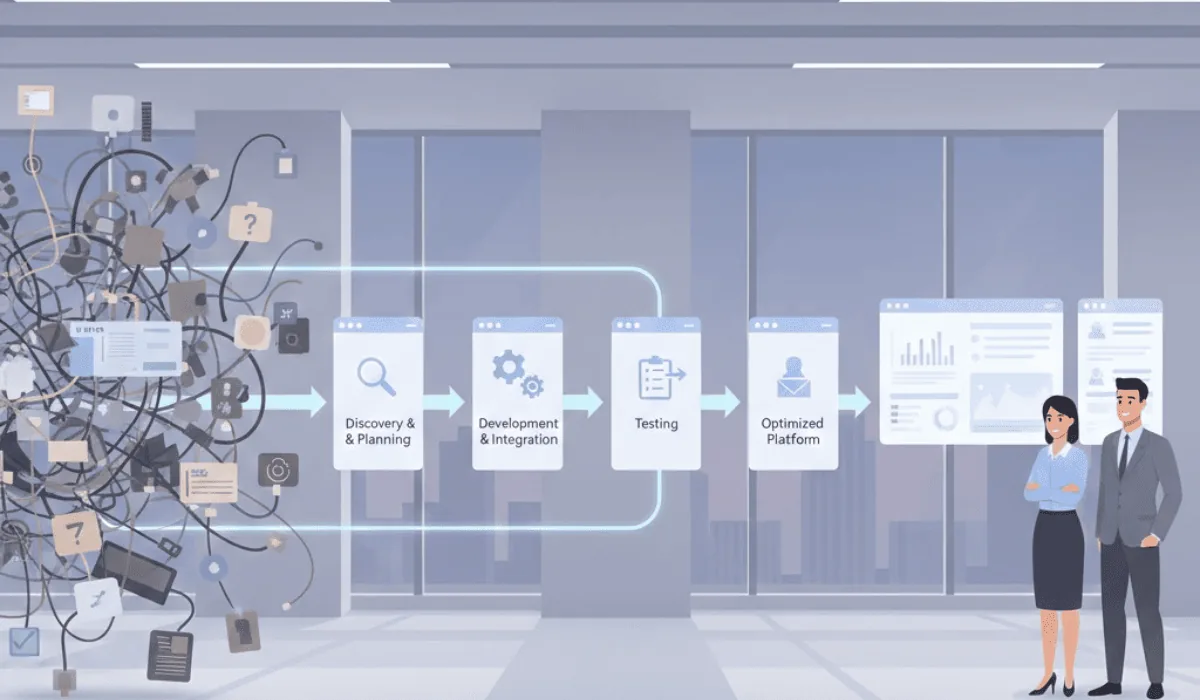

Growing businesses don't usually have a software problem. They have a dozen of them: one for sales, one for invoicing, one for HR, one for support, each doing its job well, none of them aware the others exist.
Zoho One's case for growing businesses isn't that any single app in it beats the best dedicated tool in that category.
It's that all of them run on the same data, from day one, without anyone building or maintaining the connections between them.
Here's what that actually means in practice, and where it falls short.
The Real Comparison Isn't Zoho vs. One Alternative
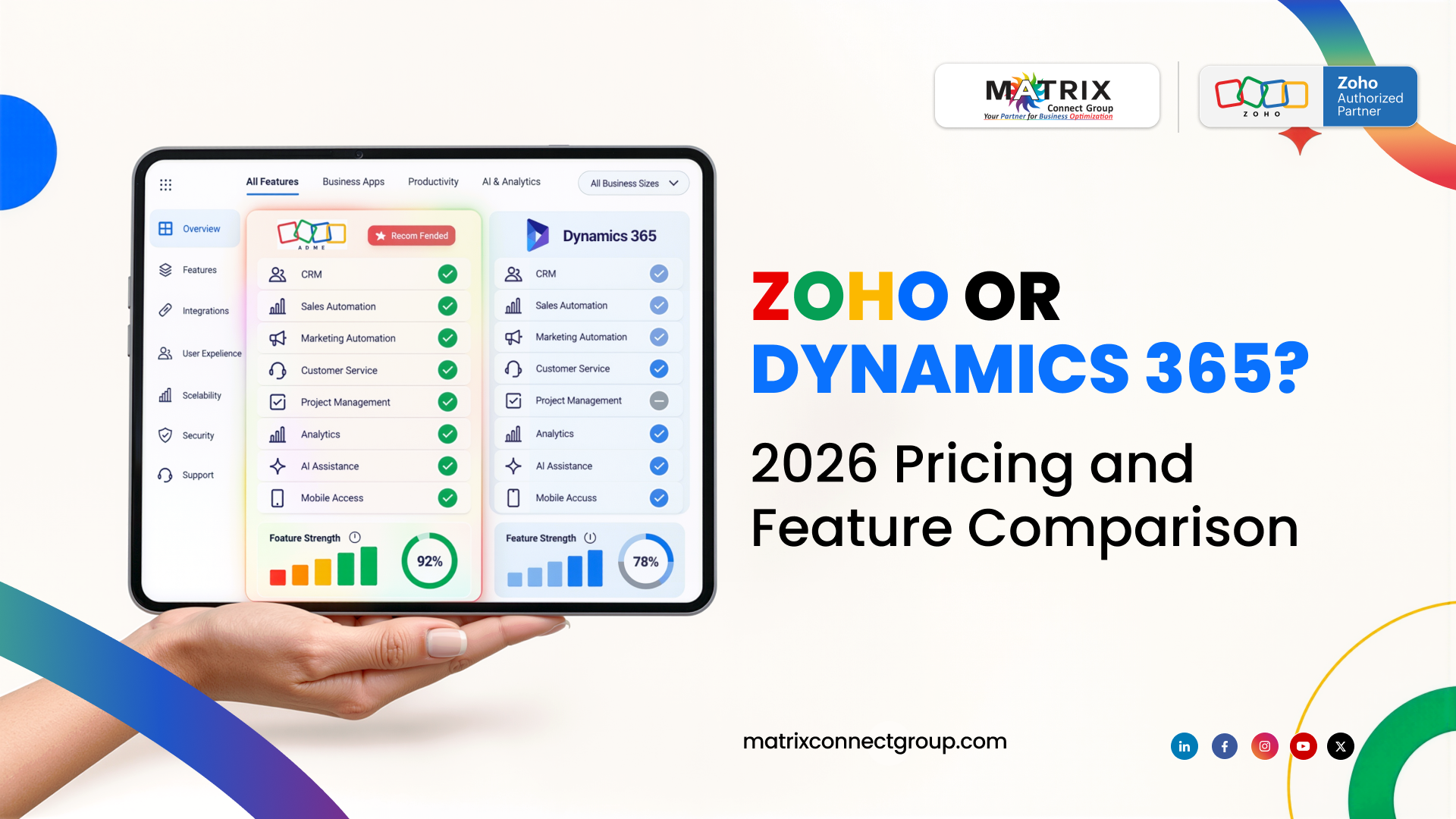
Most comparison articles pit Zoho against a single competitor, HubSpot for marketing, Salesforce for sales, Gusto for HR, as if a business only needs one of those things.
A growing business needs all of them. The real comparison isn't Zoho One vs. HubSpot. It's Zoho One vs. HubSpot, plus Gusto, plus a separate accounting platform, plus a help desk tool, plus a project management app, plus whatever connects them all together.
Each of those tools is genuinely good at its one job. The cost isn't really the subscriptions, though that adds up too. It's that none of them were built to share data with each other by default. Every connection between them is either built manually, maintained by someone, and breaks when one tool updates, or it doesn't exist, and someone re-types the same information into multiple places.
What "Complexity" Actually Means in Most Zoho Reviews
The most common complaint in Zoho alternative articles is complexity: too many apps, steep learning curve, hard to know where to start.
This is real, but it's worth being specific about what it actually is. Zoho One activating 45 apps for a 5-person business on day one is genuinely overwhelming. Nobody needs all of it immediately, and most businesses don't.
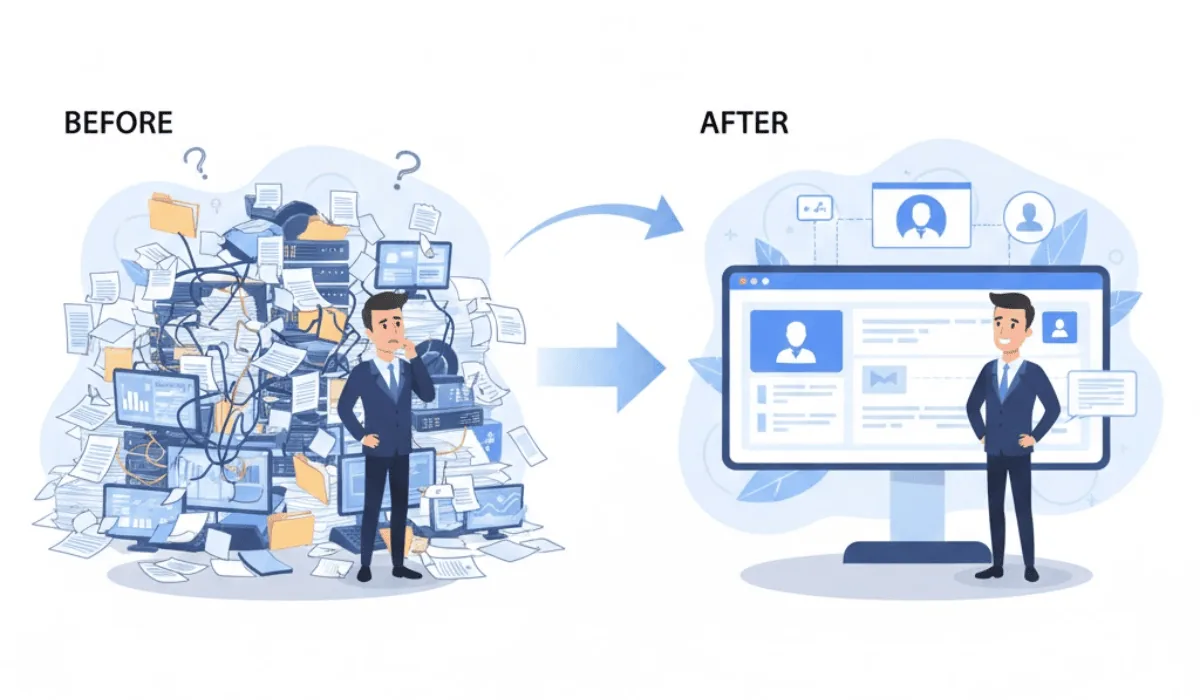
The complaint isn't really about the platform's ceiling. It's about businesses being handed the entire platform at once with no sequence, no priority, and no configuration connecting the pieces that matter to their specific operation. A business using two apps, badly connected, with 43 unused apps sitting in the background, will feel exactly as complex as the reviews describe.
A business using five apps, properly connected to share data automatically, with the rest activated gradually as needed, doesn't feel complex. It feels like one system.
Why Zoho One Specifically Suits Growing Businesses
Growing businesses have a specific problem that "best-of-breed" tool combinations don't solve well: their needs change faster than a multi-vendor stack can adapt.
Adding a department doesn't mean adding a new vendor relationship. A business that starts with sales and finance and later adds an HR function doesn't need to evaluate, purchase, and integrate a new HR platform. The app is already part of the subscription, it just needs configuring.
Data doesn't need to be migrated between systems as the business scales. A customer record created when a business has 10 clients is the same record when it has 200, visible across whatever departments now interact with that customer, without anyone exporting and re-importing data between tools.
Cost scales with usage, not with vendor count. Adding capability doesn't mean adding another monthly subscription and another integration to maintain. It means activating an app that's already part of the platform.
One place to look, regardless of which department is asking. As a business grows past the size where the owner personally knows what's happening everywhere, having sales, finance, and operations data in one connected system is what makes it possible to actually see the business, instead of asking five people for five separate updates.
Where Zoho One Falls Short, and What That Actually Requires
To be fair to the alternative articles, there are real limitations. Zia AI's capabilities have historically been more developed in some apps than others. Some highly specialized workflows, certain industries with very specific compliance or operational needs, are genuinely better served by a dedicated point solution in that one area.
But for the large majority of growing small and midsize businesses, these limitations don't outweigh the cost of running a dozen disconnected tools. And the gap that does exist, Zia's capabilities across apps, is actively closing with each platform update, most recently with the introduction of unified AI agents that work across connected apps rather than within just one.
What this means practically: the businesses that get the most value from Zoho One aren't the ones with the fewest needs. They're the ones whose setup was configured deliberately, starting with the apps and connections that matter most to their specific operation, rather than either ignoring most of the platform or trying to activate everything at once.
What This Looks Like by Business Type
A real estate brokerage typically gets the most immediate value from CRM and marketing automation working together: lead capture flowing directly into a pipeline with automated follow-up. Our real estate page covers what this looks like for brokerages specifically, and our website and AI chatbot development services cover the lead capture side for any industry, not just real estate.
A service-based business often benefits most from CRM, invoicing, and scheduling sharing data, so a booked job becomes an invoice without anyone re-entering details.
A professional services firm tends to see the most value from project management, time tracking, and billing working as one system, so project status and financials stay in sync without manual reconciliation.
In each case, the platform is the same. What gets configured first, and how deliberately it's connected, is what determines whether it feels like "one system" or "45 apps and a learning curve."
Frequently Asked Questions
Is Zoho One worth it for a small business, or is it built for larger companies?
Zoho One was designed so businesses activate only the apps they need and expand over time. The platform scales with the business, which is part of what makes it suited to growing businesses specifically, rather than requiring a large upfront commitment to every module.
Why do some reviews say Zoho One is too complex?
Usually because the full platform is activated without a clear sequence or configuration connecting the relevant apps. A business using a few apps, properly connected, doesn't experience the same complexity as one with everything switched on and nothing configured.
How does Zoho One compare cost-wise to using separate best-of-breed tools?
A typical small business stack of separate tools runs $240 to $600 a month before counting integration maintenance and the time lost to manual data transfer between systems. Zoho One consolidates that into a single subscription with native data sharing across apps.
Is Zia AI as good as AI features in other platforms?
Zia's capabilities have historically varied across different apps within Zoho One, though this gap has been closing with recent platform updates, including AI agents that work across connected apps rather than within just one.
What determines whether Zoho One feels unified or feels like 45 separate apps?
Configuration. Whether the apps a business actually uses are connected to share data automatically, and whether the rollout was sequenced around what matters most, rather than activating everything at once with no priority.
Should a growing business choose Zoho One or a combination of specialized tools?
For businesses where operations span multiple departments, sales, finance, support, HR, a unified platform avoids the integration overhead of connecting separate tools. Highly specialized needs in one specific area may still be better served by a dedicated point solution alongside Zoho One for everything else.
Want to see what this would look like for your business?
We start by mapping where the friction actually is, then build a setup around that, not a list of apps to switch on.
Book a Free Call